FOR PROPERTIES

A simpler way to manage deposits.
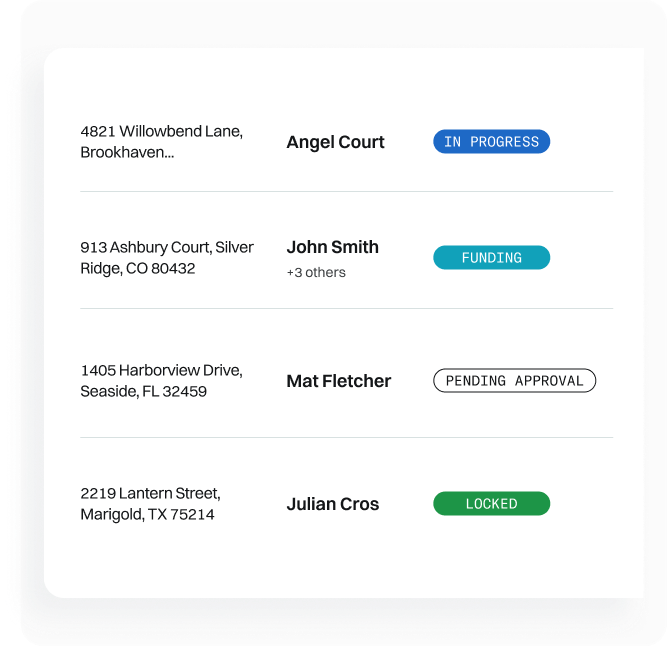
Whale Portal is your team's command center for deposits. Track the status of deposits, take action on notifications, and make changes. Check out some of the things your team can do in the tool.

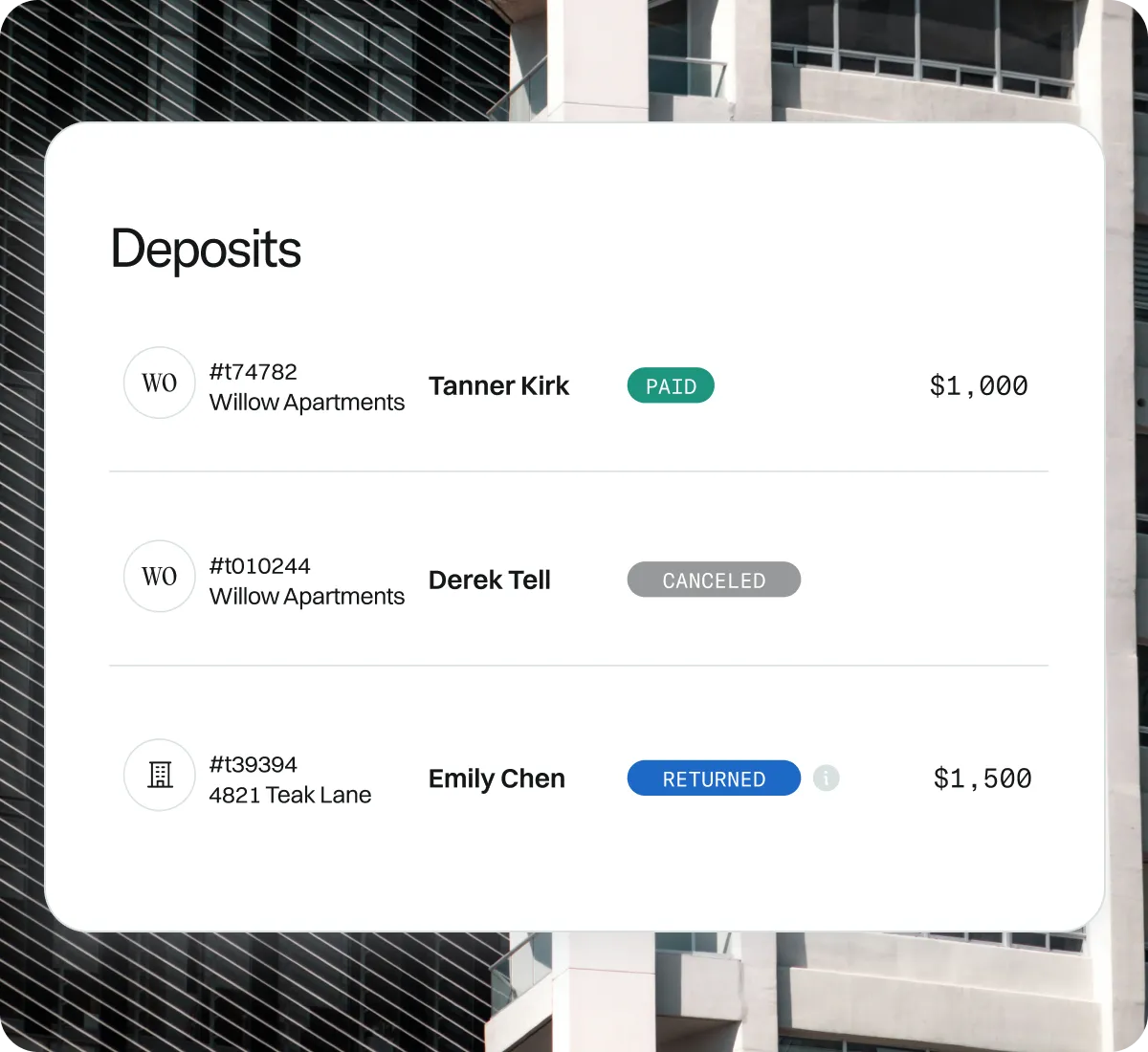
Whale Portal is your team's command center for deposits. Track the status of deposits, take action on notifications, and make changes. Check out some of the things your team can do in the tool.
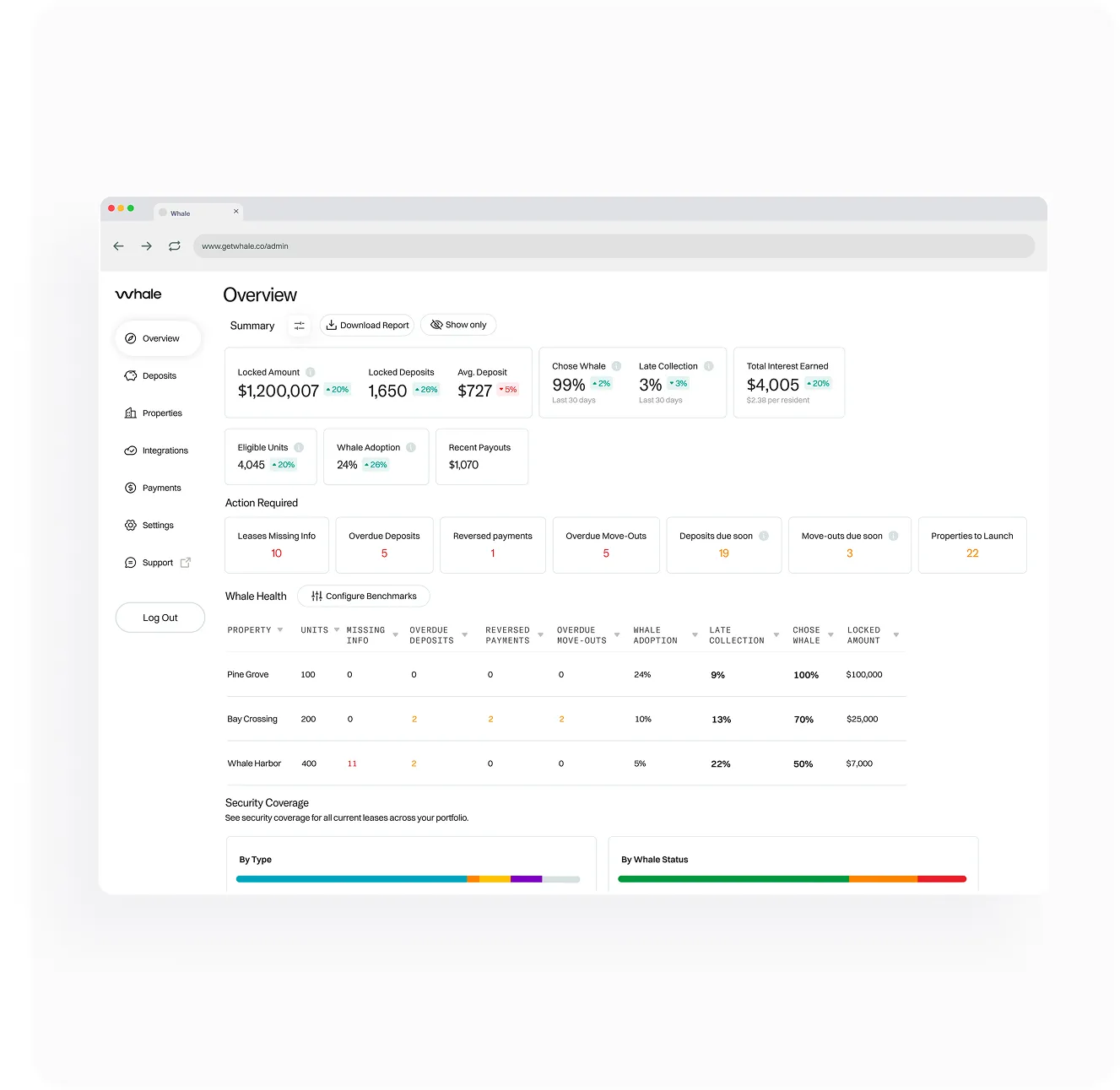
Monitor portfolio deposit health with a real-time dashboard showing high-level performance and a breakdown by property.
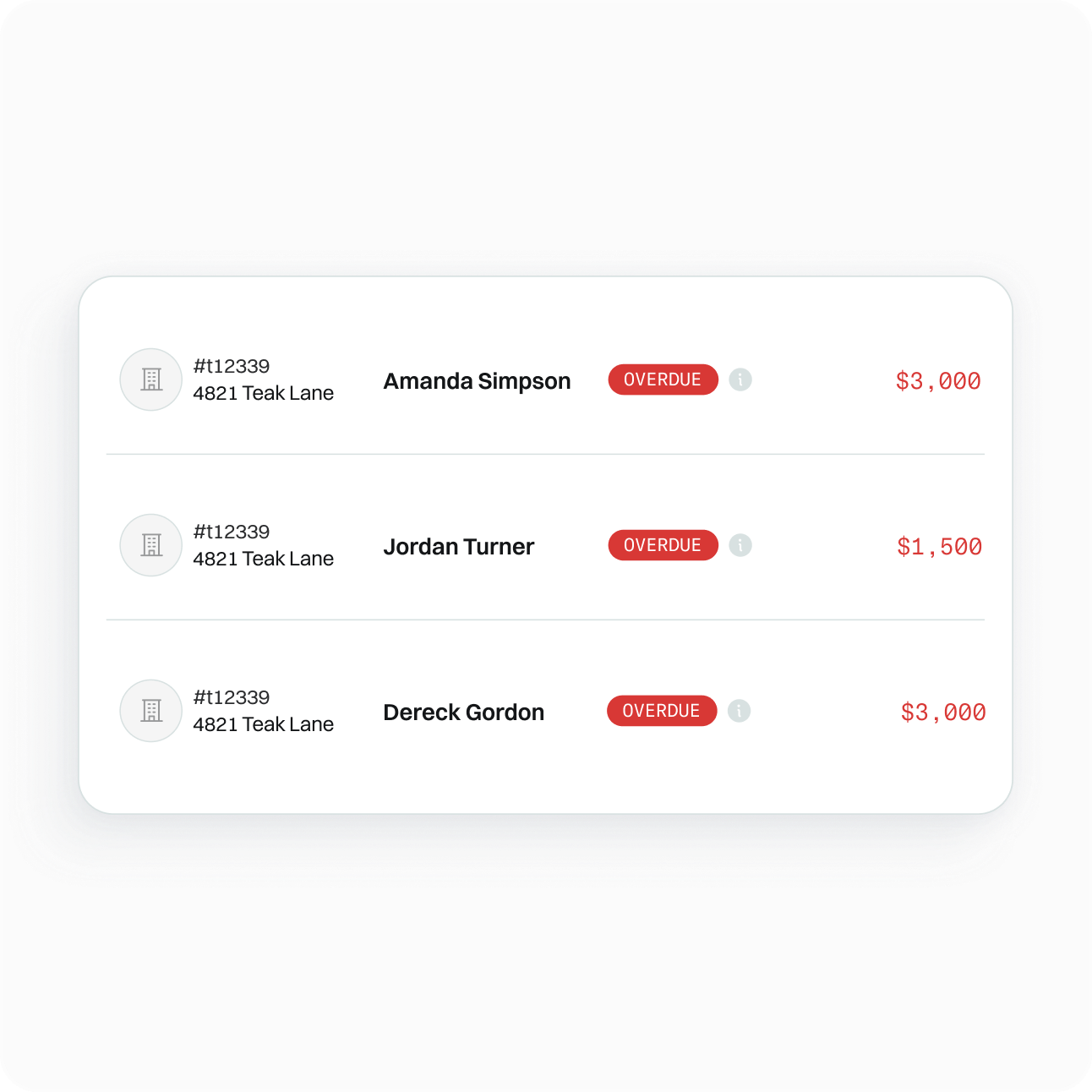
See every deposit that hasn't been funded by its due date in one place. Filter by property, days overdue, or amount — and trigger a reminder directly from the same view.
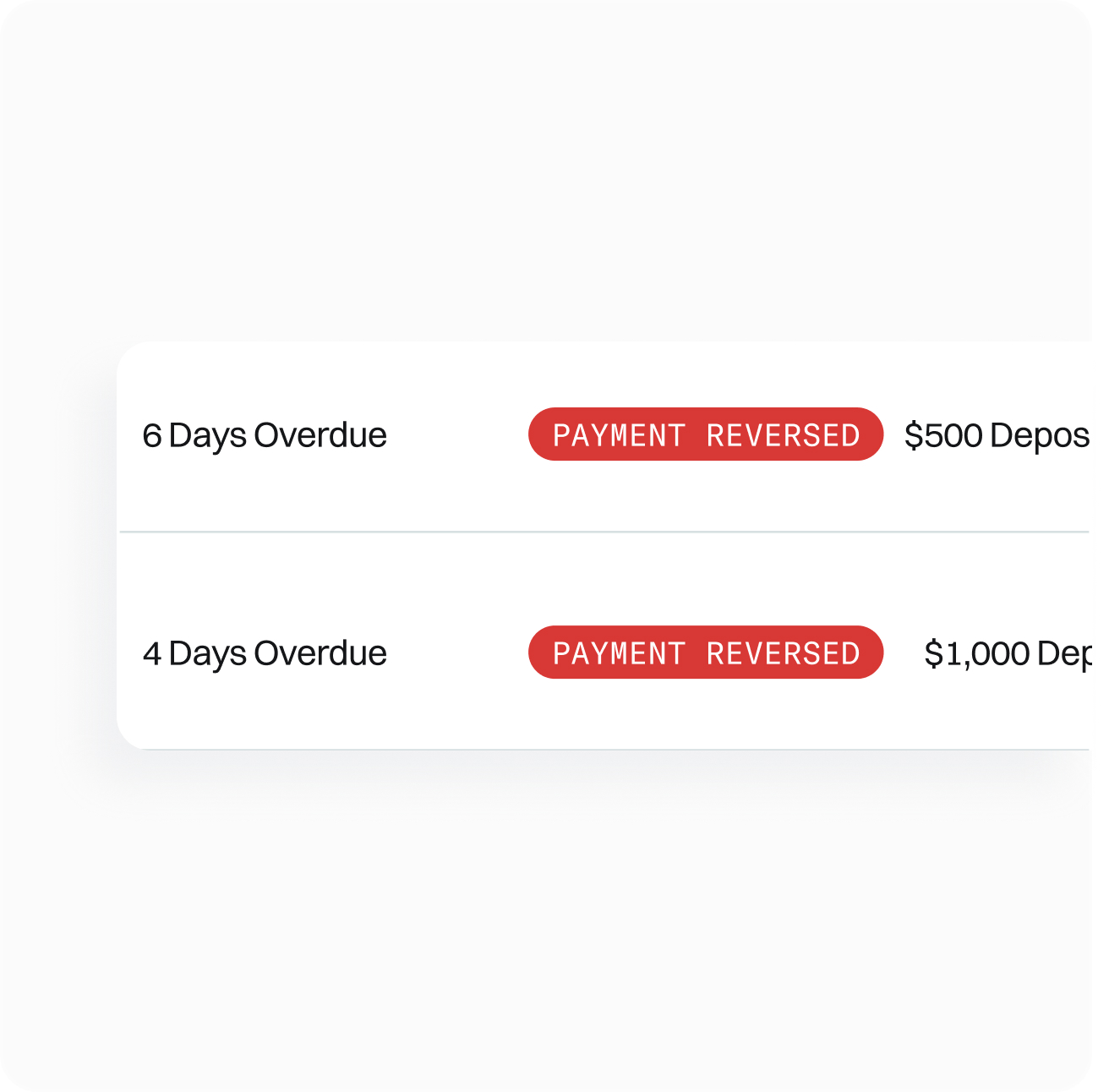
View deposits that require attention: reversed payments, missing screening decisions, overdue move-outs, and more. Quickly take action on each notification with just a click.
Join the hundreds of property managers who’ve already taken security deposits off their plate.
Book A Demo